Anime,
without
the noise.
A free anime app for Android, built in the open. No ads, no tracking, no sign-up wall — install it, pick a show, press play.
- Version
- V5.6.0
- Package
- aniraku.anime.app
- Min Android
- 9.0+
- Builds
- ARM64 · ARM32 · Universal
Built for you.
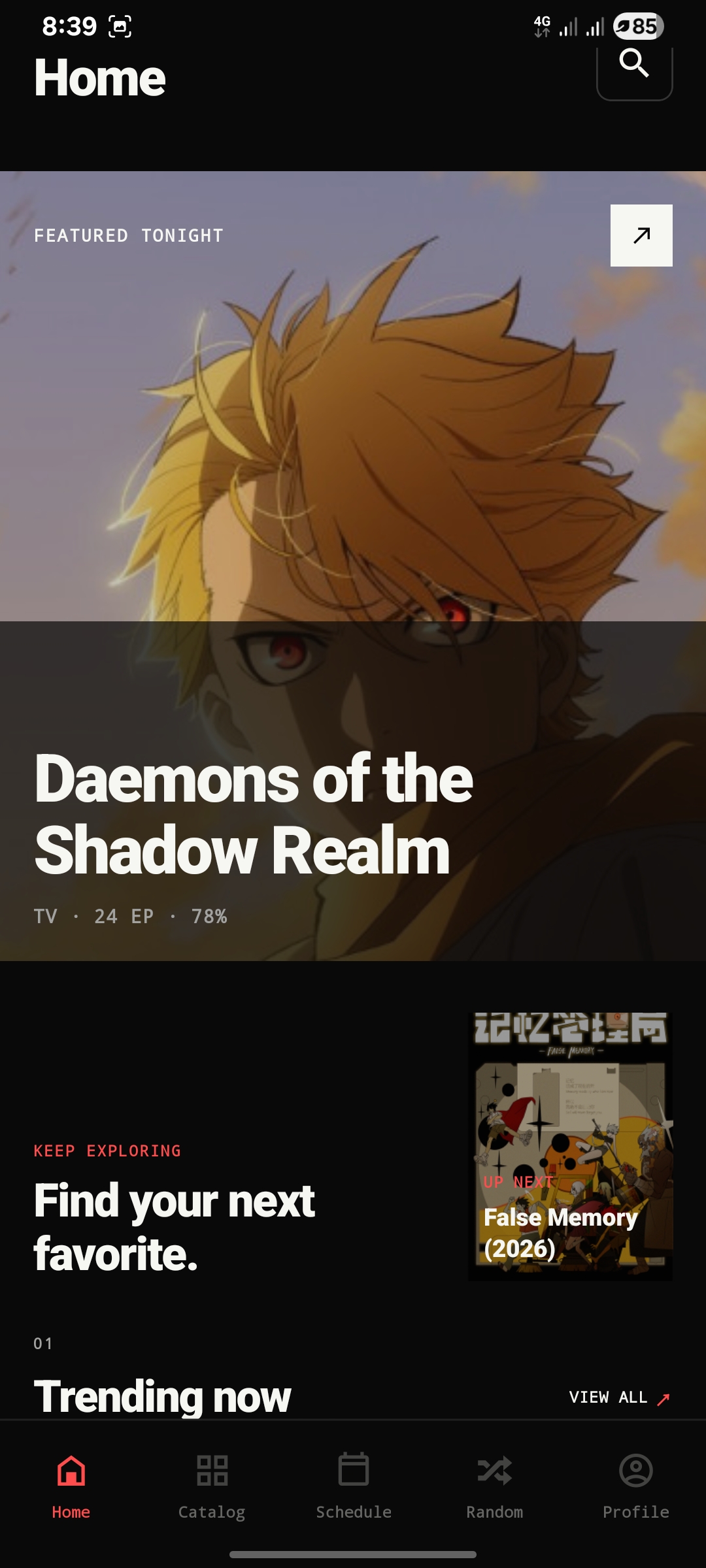
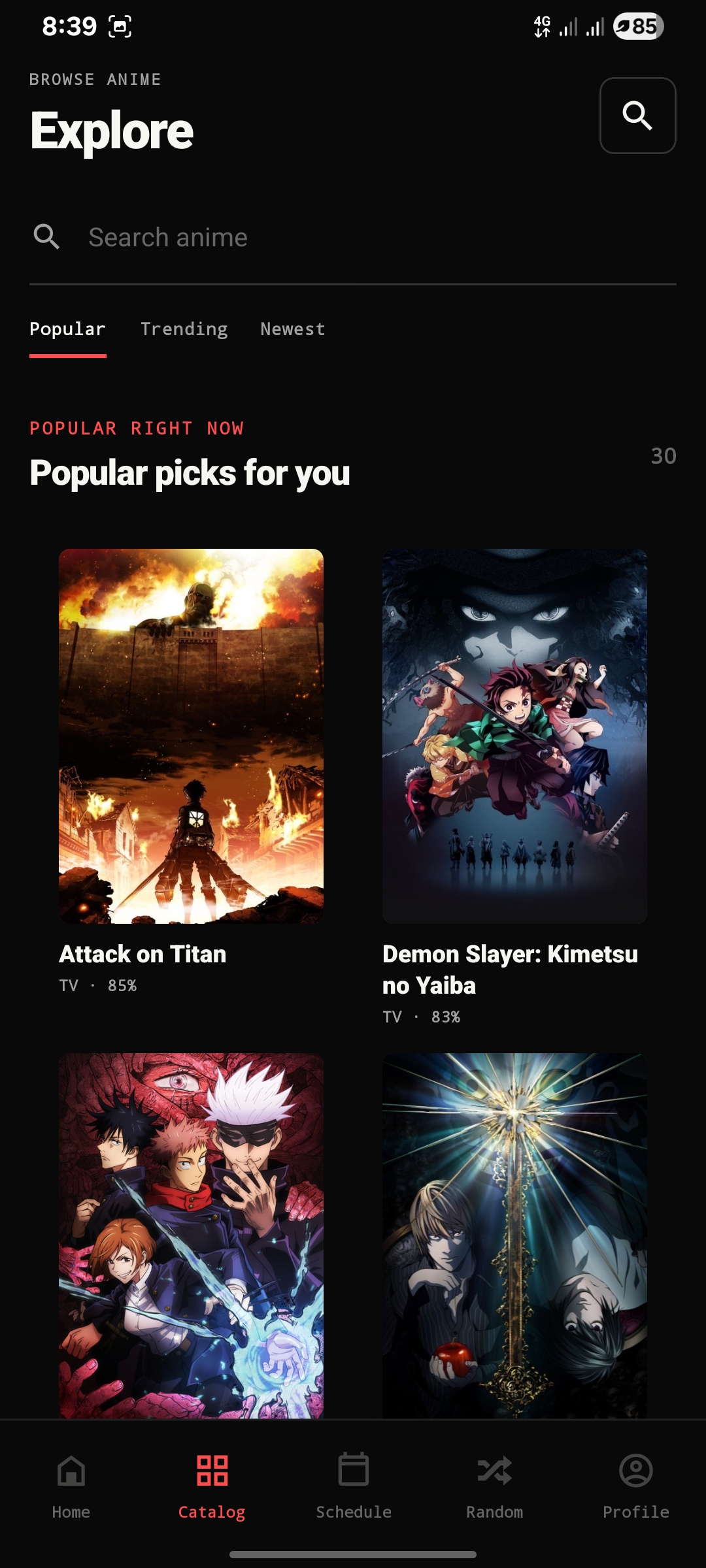
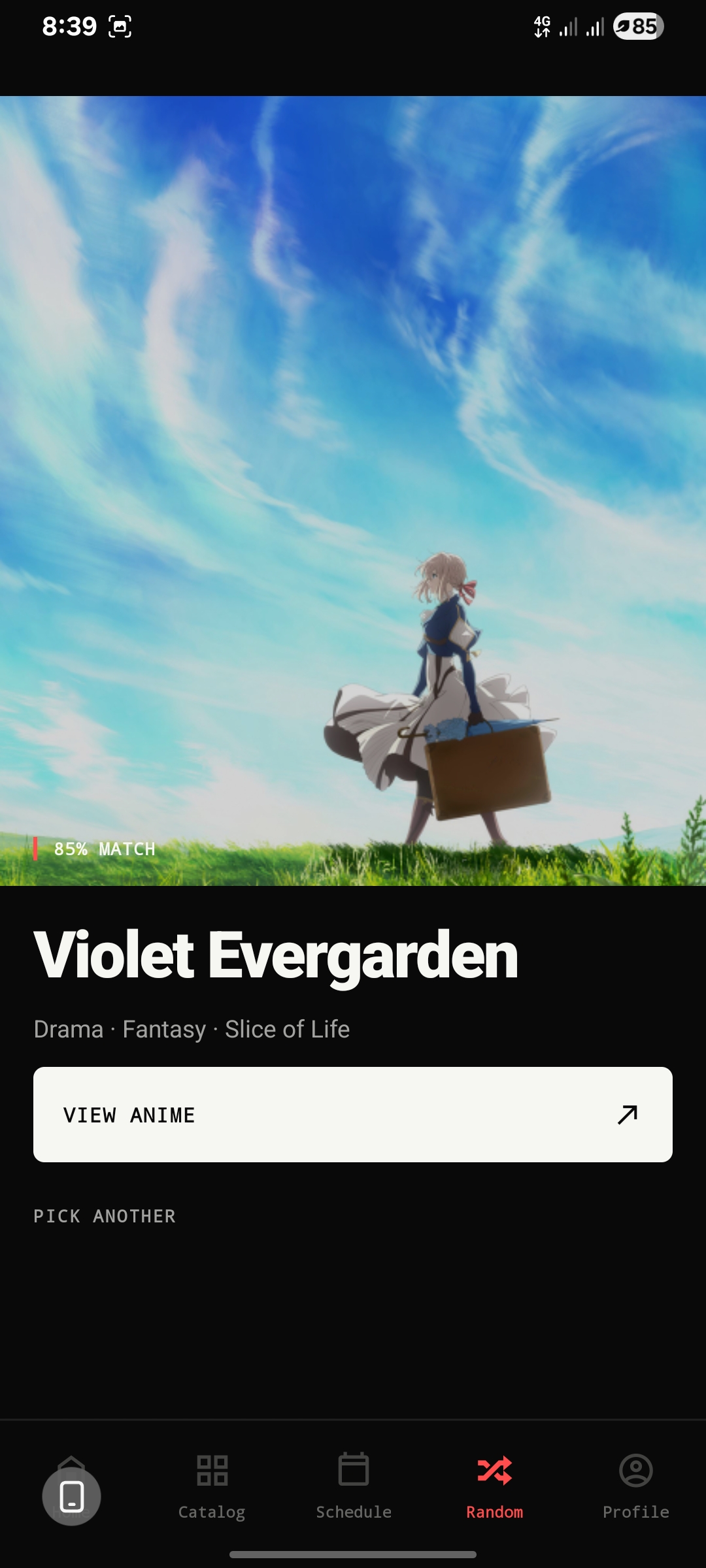
Six screens, zero clutter. Here's what you're actually tapping through.

Every detail,
at a glance.
Open any anime and you get the trailer, the synopsis, when the next episode airs, and what to watch after it ends.
- 01Auto-Play Trailer
The trailer starts playing on its own. Pulled from AniList, no YouTube app needed.
- 02Share Anywhere
Every anime has a link (
aniraku://anime/{id}) that opens straight in the app. - 03Airing Countdown
Following something weekly? It tells you exactly how long until the next episode.
- 04Relations
Sequels, prequels, side stories — the whole watch order in one sideways scroll.
- 05Progress Tracking
Sign in once and your spot follows you. The app always knows which episode is next.
- 06Legal Info
Privacy policy, terms, DMCA, open-source licenses — all inside the app, in plain words.
Watch
your way.
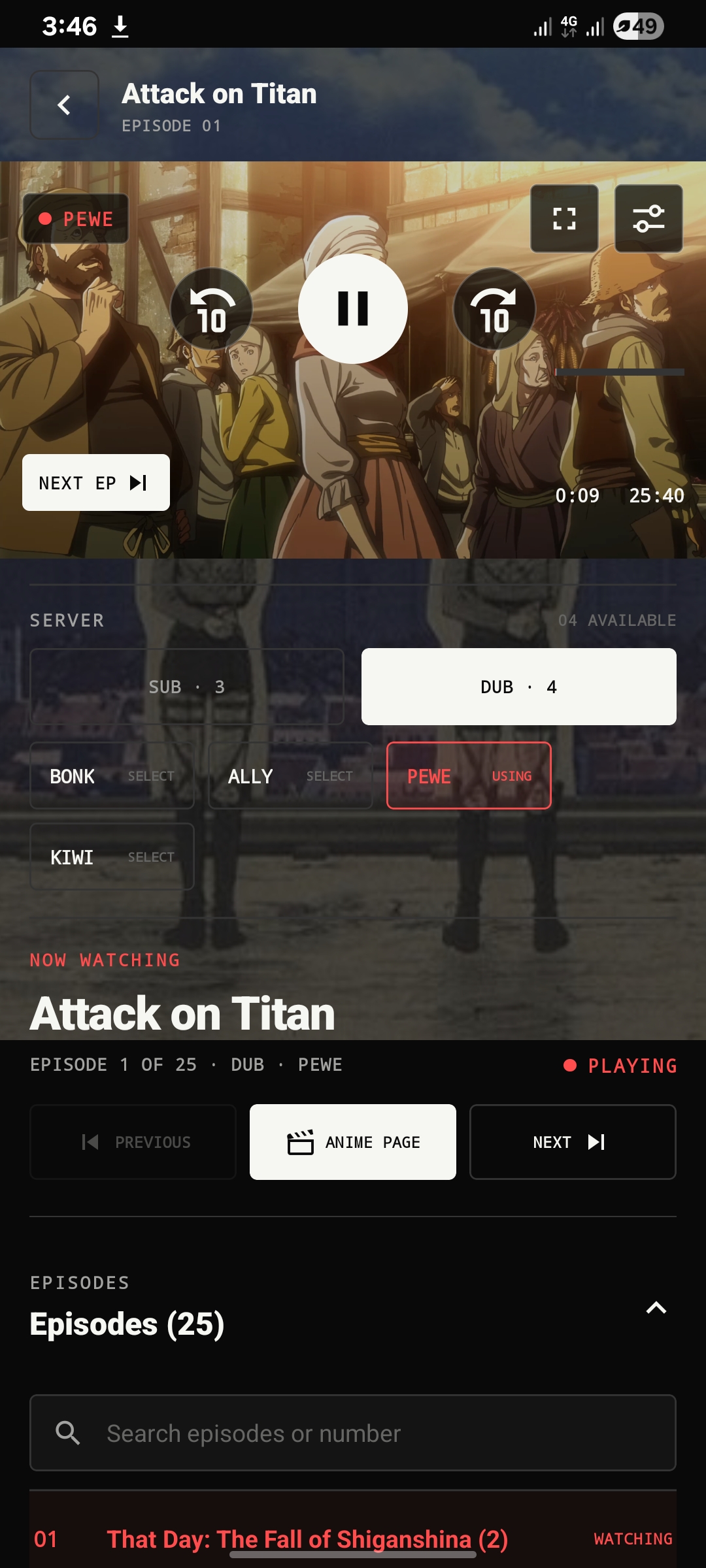
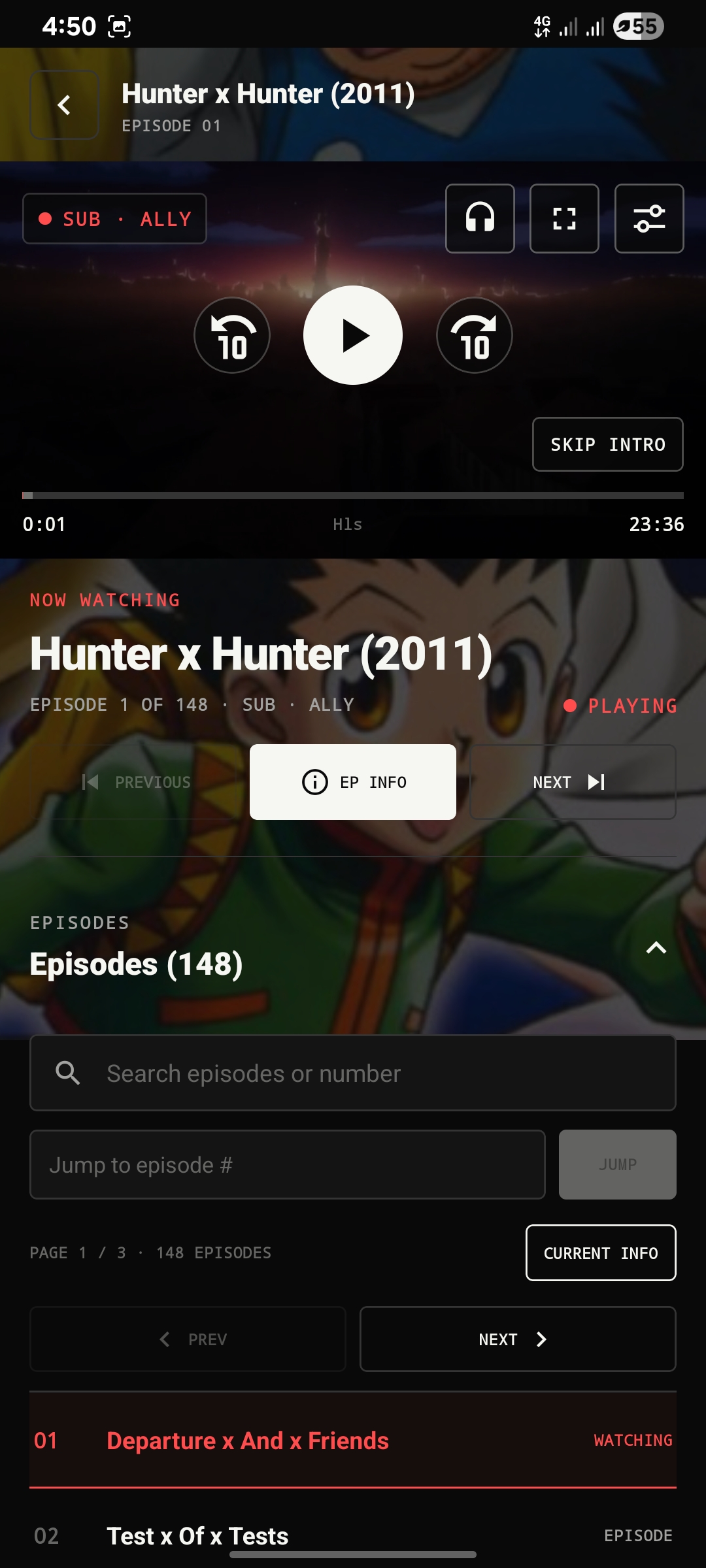
It works the way your hands expect: tap to pause, swipe for volume, double-tap to skip. You'll never open the help page.
Double-tap left to jump back 10 seconds, right to jump forward. Hold your finger down for 2× speed.
Slide up the left edge for brightness, the right edge for volume. Drag the bar to scrub.
English tracks included where available, drawn big and readable over the picture.
Sub and Dub servers listed side by side. If the stream dies, the app tries the next option by itself.
Falling asleep to an episode? Set the timer from 15 minutes to 2 hours and it'll pause for you.
Install Aniraku.
No Play Store, no account, no waiting. Grab the file, tap it, done.
All devices · ARM64 + ARM32 + x86_64
Download · V5.6.0 → 64-BIT ARM64Most modern phones · smaller file
Download APK → 32-BIT ARM32Older devices · Android 9+
Download APK →- 01
Download the APK — Universal works on every phone. Only pick ARM64/ARM32 if you know you need the smaller file.
- 02
Allow unknown sources — Android will ask. It's under Settings → Security → “Install unknown apps”.
- 03
Install — open the file from your notifications and tap through.
- 04
Open & watch — that's genuinely it. Sign in later if you want your list synced.
Package aniraku.anime.app · On some devices you may need to revoke the permission after install to re-enable Play Protect.
Support the project.
One person builds this in their spare time. If Aniraku earned a spot on your home screen, here's how to say thanks.
Chip in monthly if you can — it keeps the servers up and the updates coming.
Support on Patreon →Got the Binance app? Send anything you like straight to the dev — no fees, no address to mistype.
- Open Binance → Pay → Send
- Paste the UID above and confirm the name
Read the docs.
The same docs that ship with the repo — no separate wiki to go stale.
01Is this app completely free?+
Yep. No price, no premium tier, no "free*" asterisk. If you ever pay, it's a donation because you felt like it.
02Do I need an account?+
Nope. Install it and watch. An account only matters if you want your watch history and library synced.
03Does this track my data?+
No analytics, no telemetry, nothing phoning home about what you watch. Check the source if you don't believe it.
04What devices are supported?+
Anything on Android 9 or newer. Not sure which chip your phone has? Just take the universal APK.
05Why isn't this on the Play Store?+
Google doesn't allow this kind of app. Direct downloads from GitHub mean you always know exactly what you're installing.
06Is this legal?+
Aniraku doesn't host a single video — it's a player that reaches public sources. Whether watching them is fine where you live is on you, so check your local laws.
07Can I contribute?+
Please do. Bug reports, translations, code — it all lives on GitHub and every bit helps.